

Free Appearance 1.1.0
$0
Admin appearance, branding, comfort and recovery. No account or license required.
Get it on WordPress.orgWordPress, made familiar.
Free Appearance 1.1.0 is a separate WordPress.org edition. The paid workspace is version 1.2.2, with reusable settings and recovery for client work.
Paid workspace · version 1.2.2
 See the setup and reuse workflow
These client-workspace features require paid access. Both paid site allowances include the full workflow.
Real WordPress captures of the paid workspace from an earlier release. They are workflow examples, not release evidence for Paid 1.2.2. Cedar House and Harbor House are fictional demo clients.
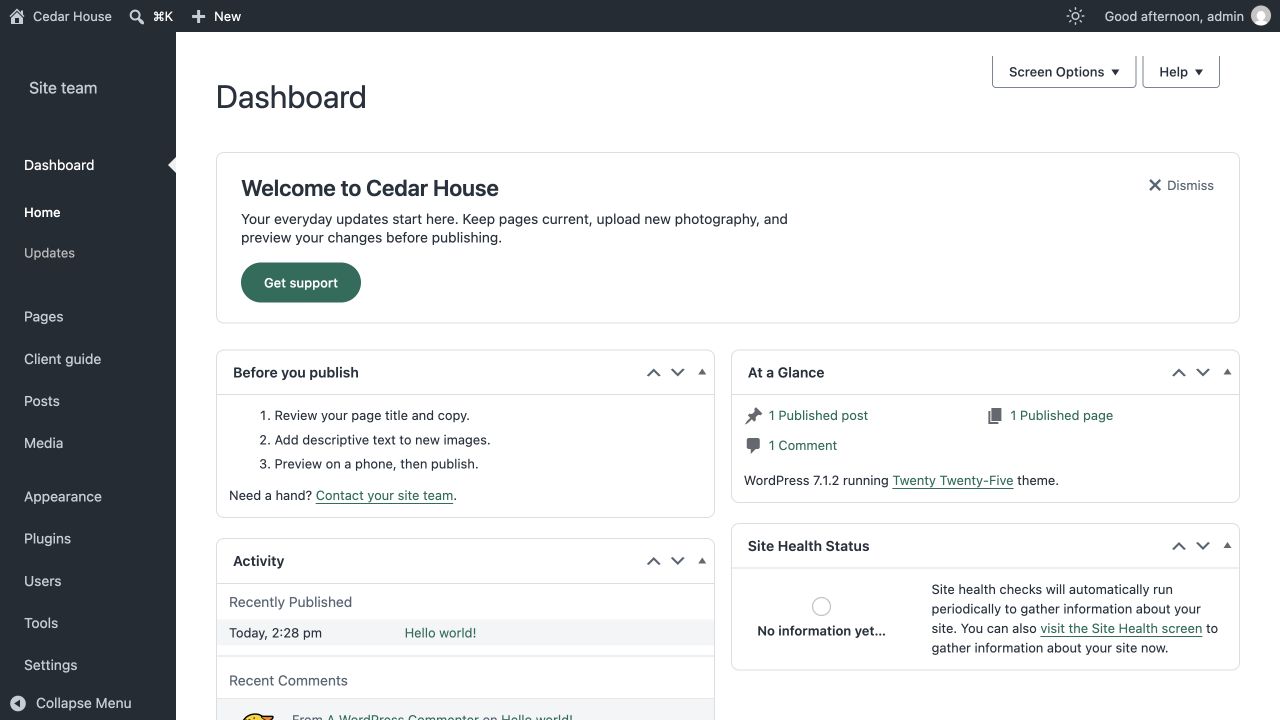
Put the client’s everyday menus in order and add dashboard guidance. Here, Pages comes first, with a client guide and a publishing checklist close at hand. Menu visibility never changes WordPress permissions.
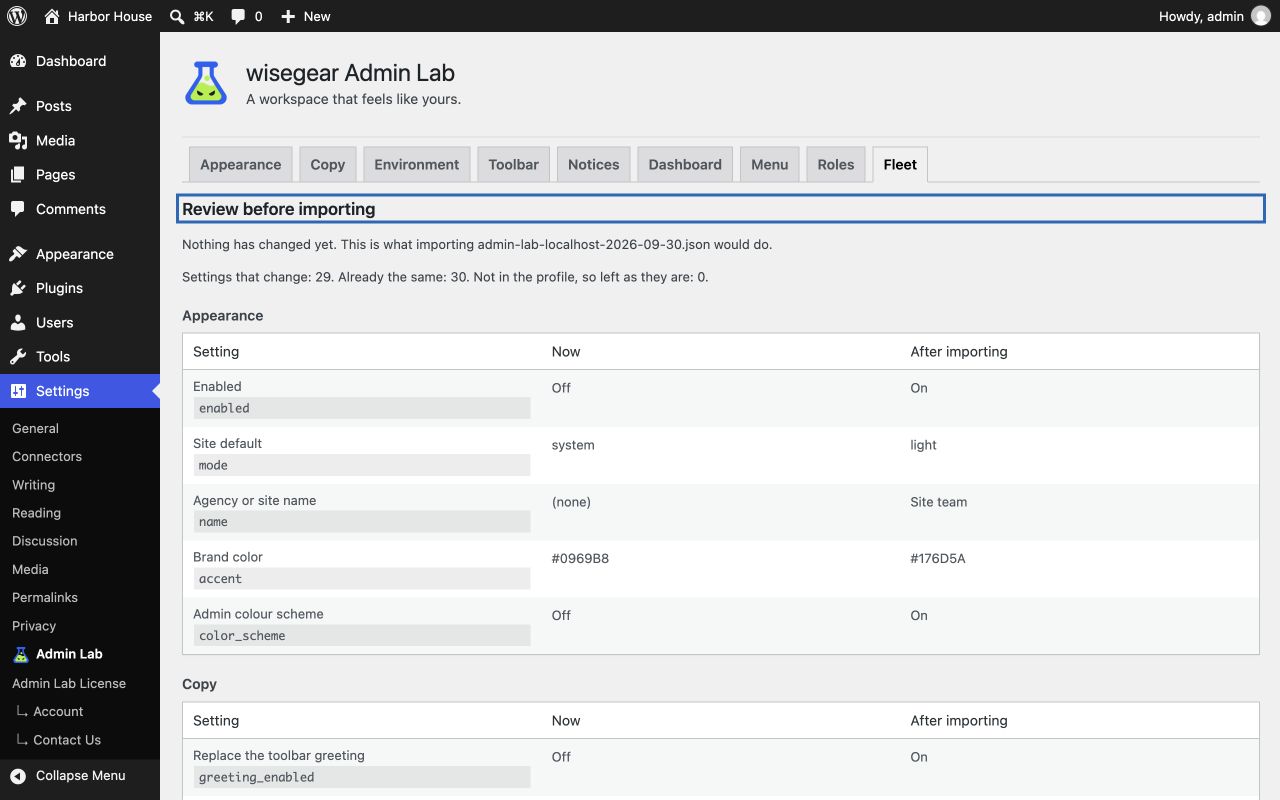
Export your configuration profile. On the next site, preview the current and incoming values before applying the import. Nothing is saved until you confirm.
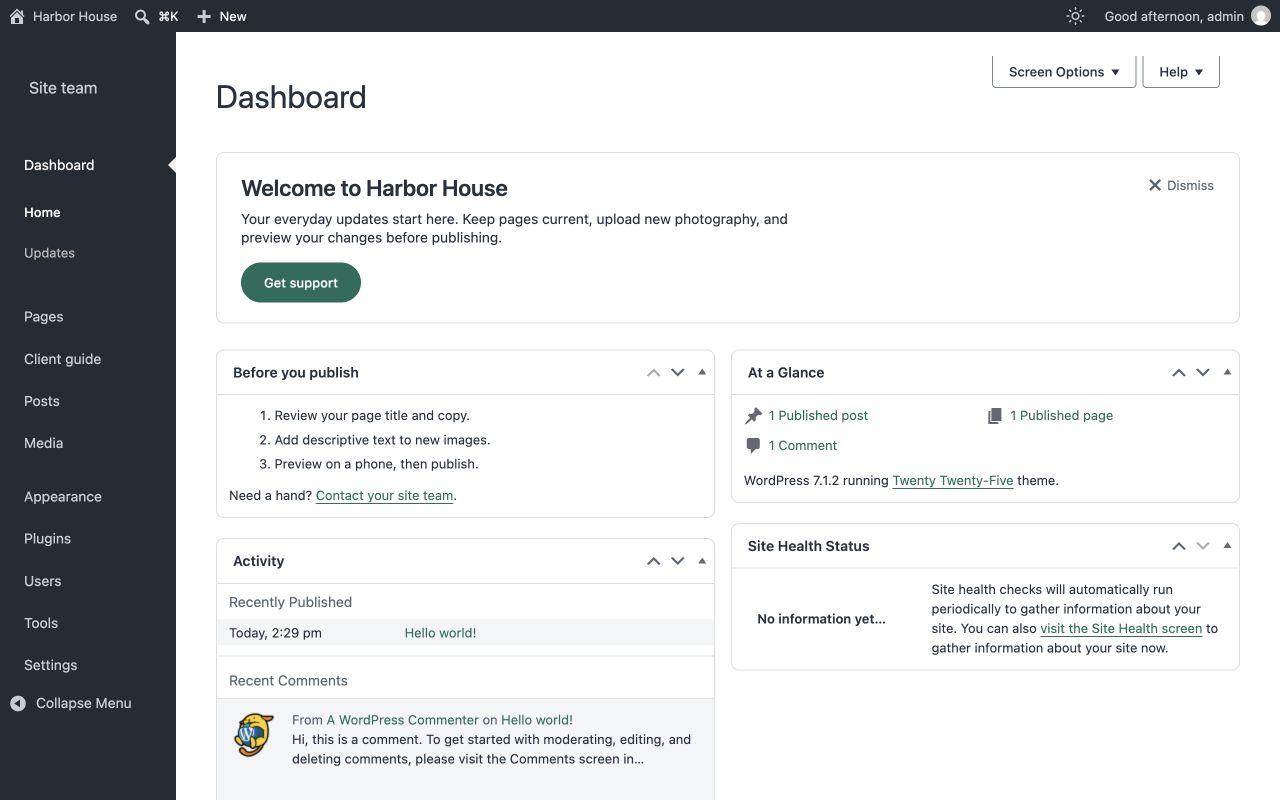
Apply the reviewed profile. The same menu, guidance and styling now greet the next client, with the welcome heading using their site’s name. Images need re-selecting on the destination site; personal preferences stay with each person.
For ongoing standards, use role defaults and multisite policies. Admin Lab does not provide a hosted dashboard for managing client sites. Network controls run within WordPress; optional signed Git synchronization requires technical setup.
Free Appearance · version 1.1.0
Free Appearance 1.1.0 provides light or dark Appearance, branding and comfort settings. Paid 1.2.2 includes these same tools alongside its workspace controls.
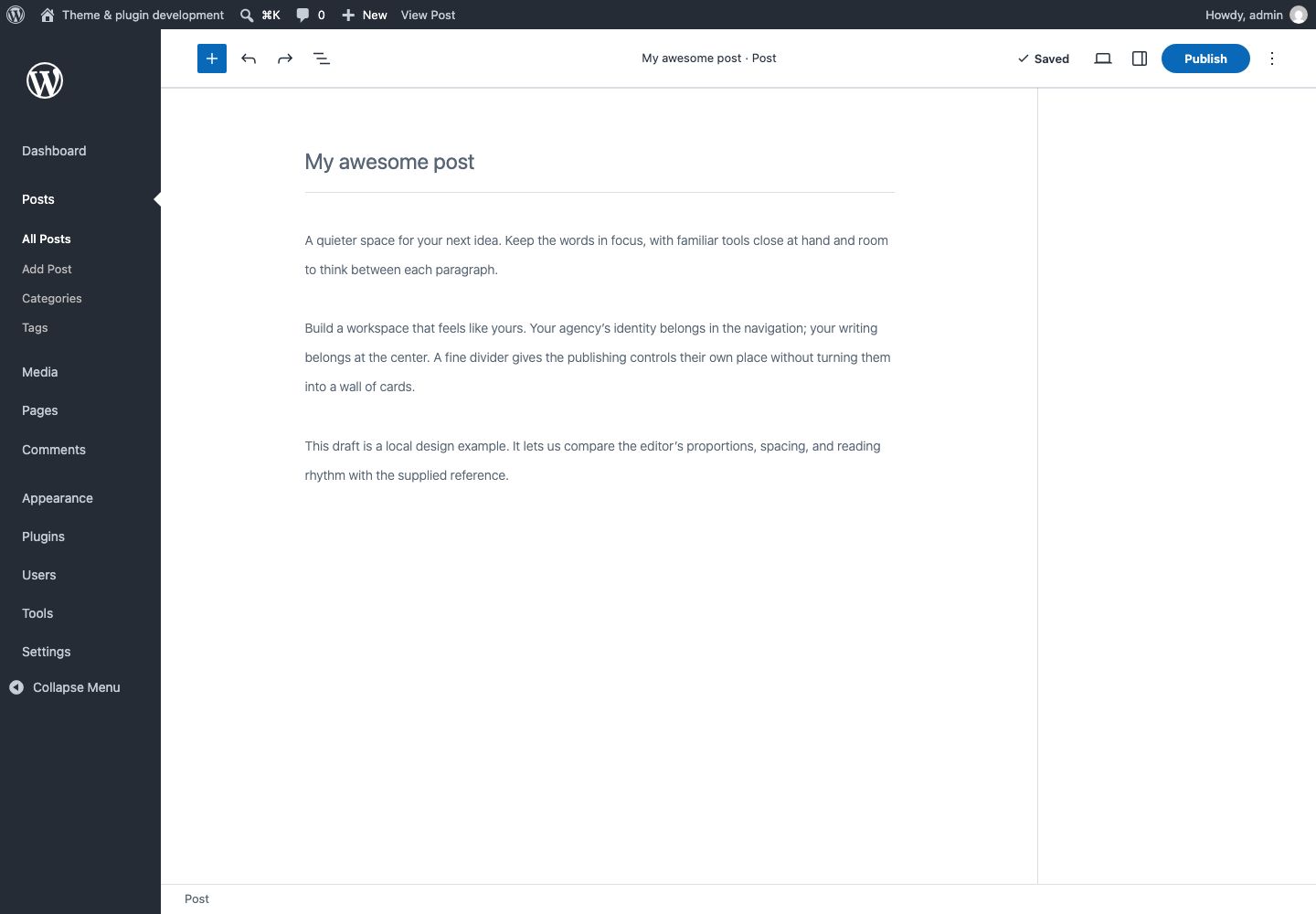
The WordPress editor
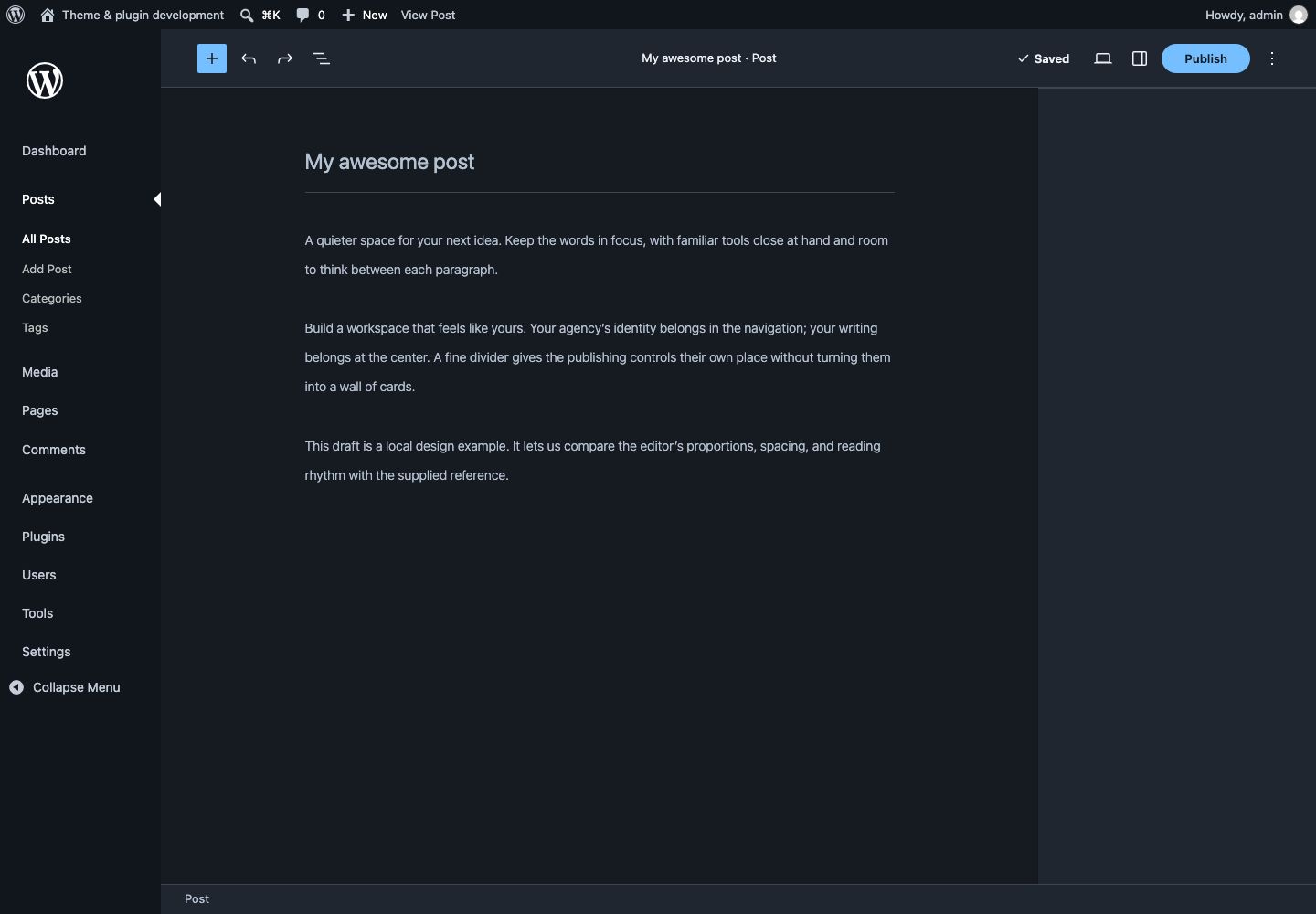
These are separately versioned editions: Free Appearance 1.1.0 and Paid 1.2.2. Free Appearance is permanent. Paid adds controls for client workspaces and repeatable setup. Both paid allowances contain the same features.
| Capability | Free Appearance 1.1.0 | Paid 1.2.2 |
|---|---|---|
| Admin appearance, logos, accent and comfort | Included | Included |
| Personal choices and native recovery | Included | Included |
| Login branding, copy and environment cues | Not included | Included |
| Toolbar, notices, dashboard and menus | Not included | Included |
| Guided handoff, private client guide and useful task links | Not included | Included |
| Reusable profiles, presets and explicit destination review | Not included | Included |
| Role defaults, network controls and optional Fleet sync | Not included | Included |
$0
Admin appearance, branding, comfort and recovery. No account or license required.
Get it on WordPress.orgPaid 1.2.2
$39/ year
All paid features for one production site.
Buy for 1 sitePaid 1.2.2
$99/ year
All paid features across up to ten production sites.
Buy for 10 sitesThree individual licenses cost $117/year; the ten-site allowance costs $99/year. At ten deployed sites, that is $9.90 per site per year.
Prices are in USD before applicable tax. Subscriptions renew annually unless canceled. Request a full refund through support within 14 days of an initial purchase under Freemius Flexible / Double Guarantee. Renewals, upgrades and additional licenses are excluded from that guarantee. No technical defect or reason is required. Checkout is provided by Freemius. Review the Admin Lab Terms and Privacy Notice before purchase.
Interactive illustration with fictional sites. It does not connect to WordPress, save site settings, or submit any information.
Guide for Cedar House
Editor role, with existing WordPress permissions.
Install the separate Free Appearance 1.1.0 edition from the WordPress.org plugin directory. It does not require an account or license.
Installed paid features remain usable and locally editable after ordinary expiry. The last applied Fleet state stays in place. Renew for updates, paid support and new remote Fleet changes. Activation follows Freemius rules and your site allowance. Exhausted automatic-renewal retries cancel the license and pause paid features. Cancelled, revoked or unpaid blocking licenses do not gain continued use.
Yes. Back up the site, deactivate the free plugin, install the paid package and activate your license. The editions retain the same Appearance and personal preference data. Use one edition at a time.
Recognized nonproduction copies do not use a production allowance. A custom staging hostname may need an exception from support.