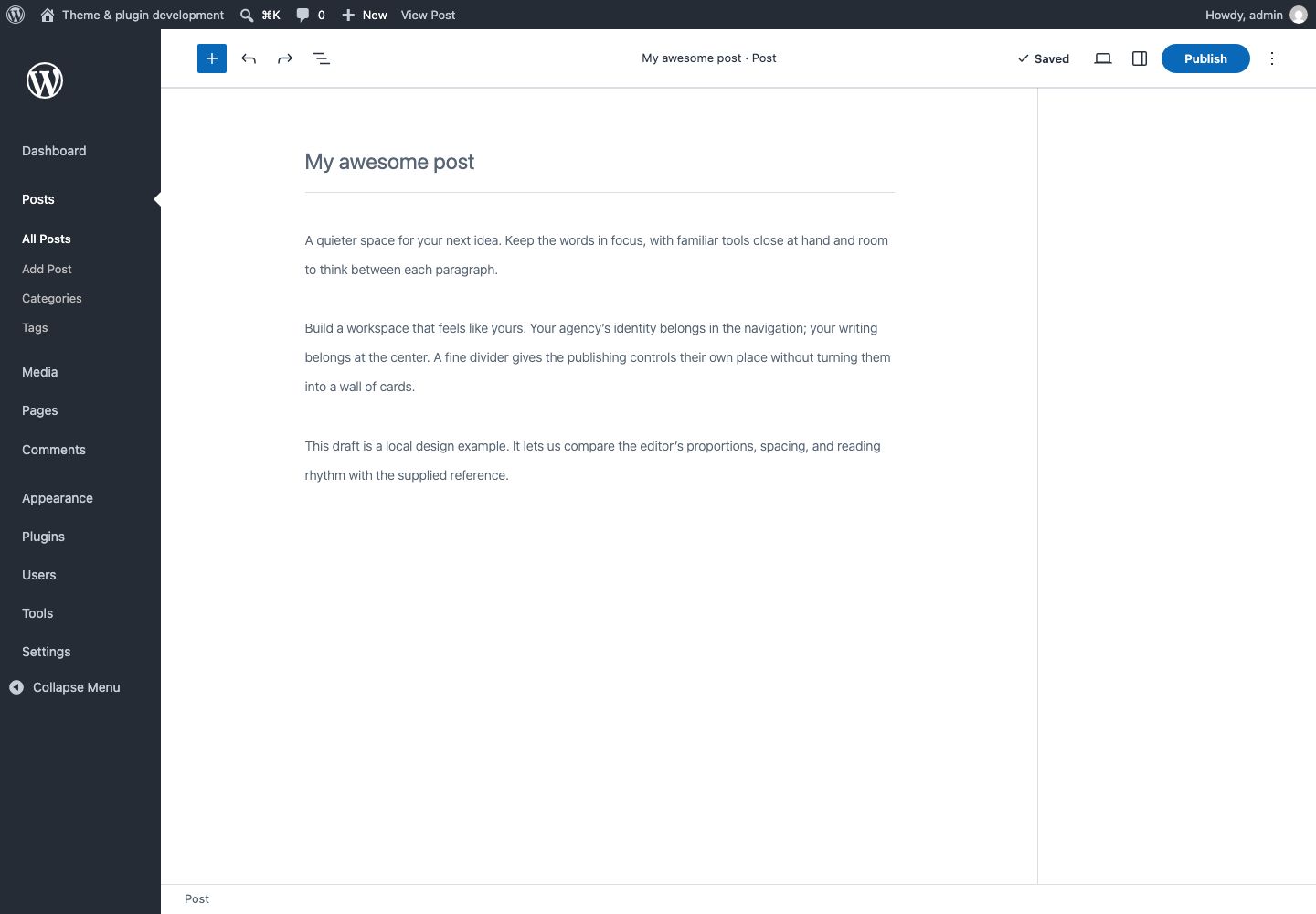
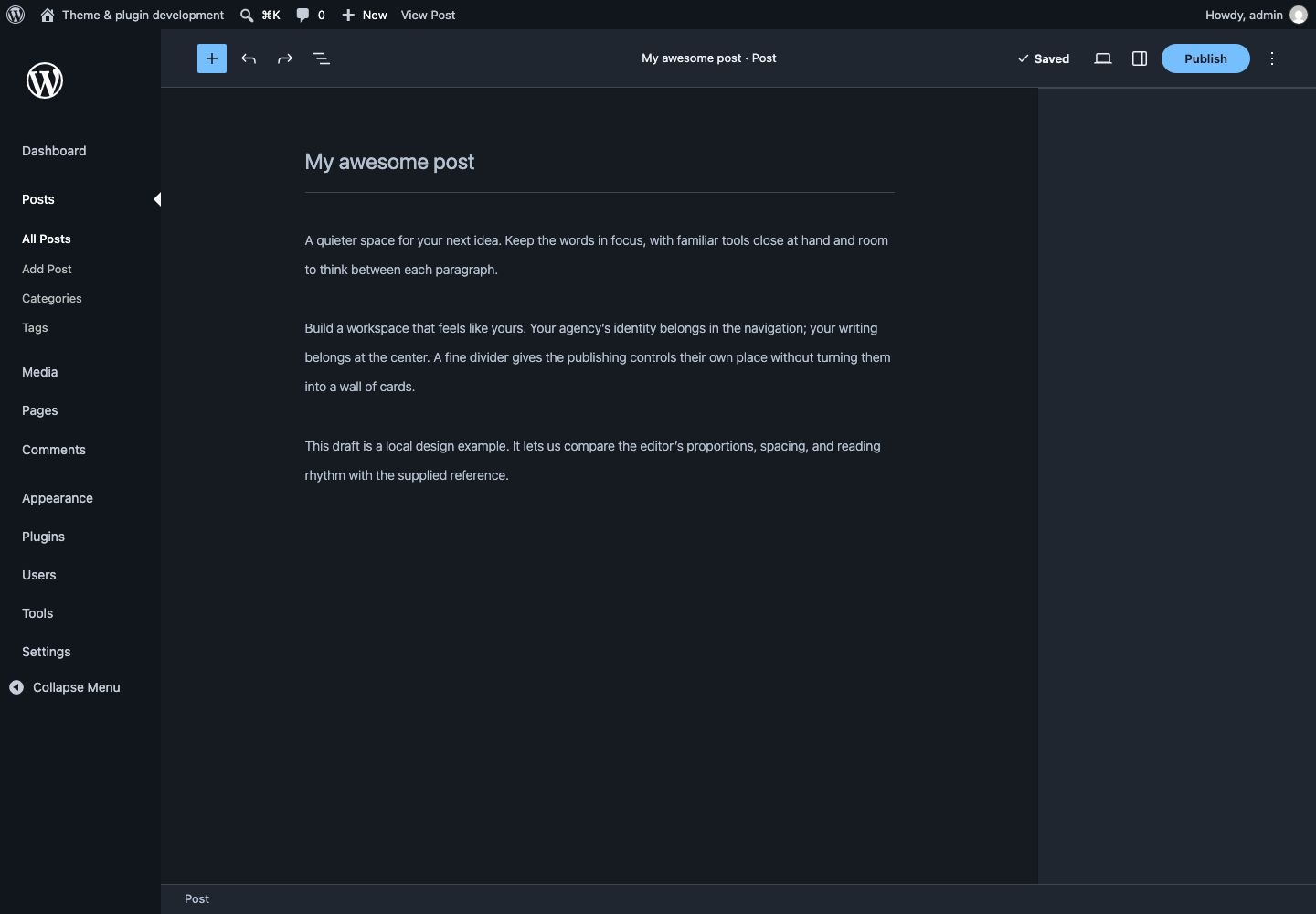
Keep each site's own content and permissions in WordPress.
Prepare one client site
Brand the admin and login screens. Arrange navigation, add dashboard guidance and choose which toolbar items belong in the daily workflow. Preview changes before saving. Hidden menu items remain available to people who have WordPress permission.
Review and reuse the setup
Export a configuration profile and preview its changes before applying it to another site. Profiles carry settings, not personal preferences or wp-config.php values. Re-select images in the destination media library.
Maintain the standard
Set role defaults for how the workspace appears to different people. On multisite, use network defaults and locks. Technical teams can optionally review signed Git-based Fleet changes before applying them.
Leave a recovery path
An administrator can return to native appearance or enter safe mode. From paid version 1.1.0, Appearance stays available if a license lapses; paid policies resume when the license is renewed.